Looking to build a website without worrying about any code?
Trying to determine a prominent WordPress page builder for your website? Well, we have got it sorted for you!
Now, WordPress page builders have made it feasible to build a professional & responsive WordPress page with no coding aptitudes required. In this piece of article, we’ll help you understand Top-notch WordPress Page Builders Plugins to build a website.
- Striking features of WordPress Page Builders
- Benefits of Using WordPress Page Builder Plugins
- Top 10 awesome WordPress Page Builder Plugins
- 1. Elementar WordPress Page Builder Plugin
- 2. WP Bakery WordPress Page Builder Plugin
- 3. Beaver Builder WordPress Page Builder Plugin
- 4. Visual Composer WordPress Page Builder Plugin
- 5. Themify Builder WordPress Page Builder Plugin
- 6. Divi Builder WordPress Page Builder Plugin
- 7. Site-Origin WordPress Page Builder Plugin
- 8. Brizy WordPress Page Builder Plugin
- 9. MotoPress Content Editor WordPress Page Builder Plugin
- 10. Oxygen WordPress Page Builder Plugin
- Conclusion
WordPress has become the most demanding content management system with its simplicity, flexibility, and usability.
The latest version of WordPress has been downloaded over 35.6 million times. As per sources around 64.1% of websites built with a content management system use WordPress. WordPress holds 42.9% of the total market share of web development on the internet. Meanwhile, 58.7% of websites build from WordPress among the 300+ content management systems which we monitor.
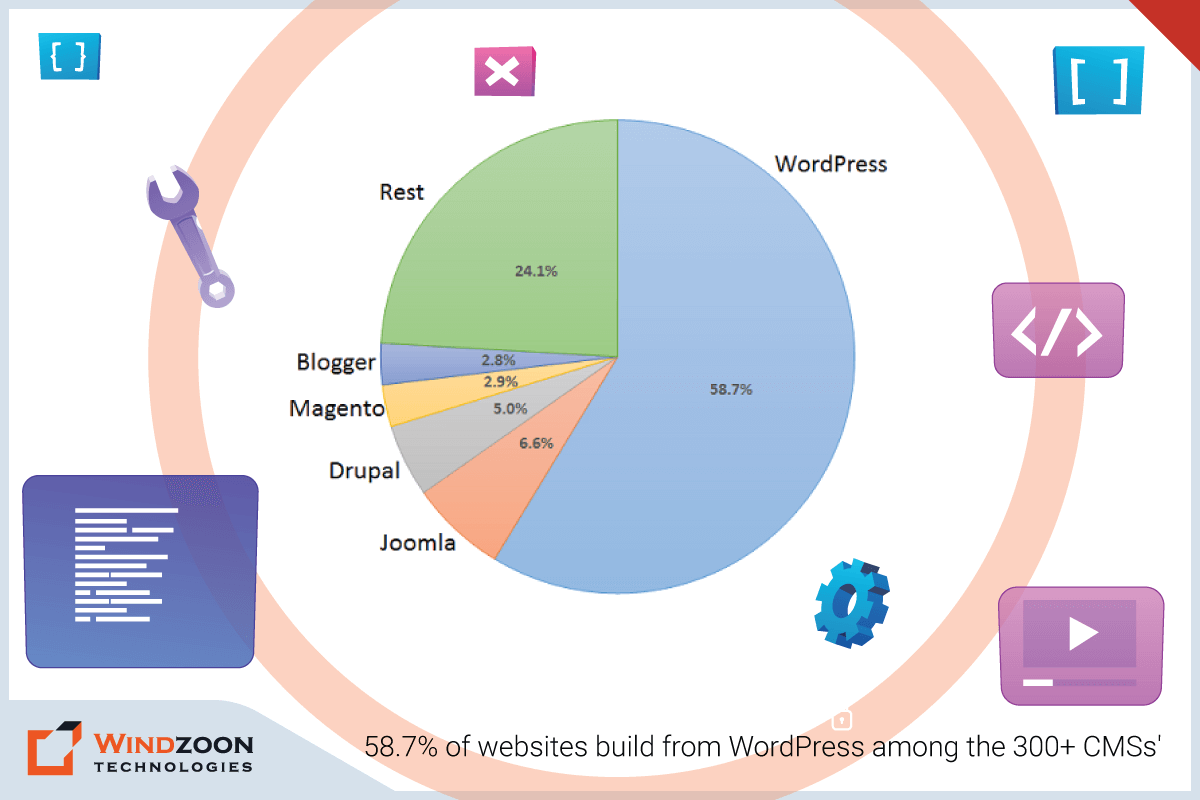
58.7% of websites build from WordPress among the 300+ CMSs’
It is free of charge, user-friendly, and easy to use. With the help of WordPress Page Builder, a developer can easily create effective websites without having any exceptional programming skills.
WordPress Page Builder extensions come with so many exciting customization elements. However, the most striking fact about these page-building extensions is we can use these customizable building elements with just simple drag and drop. Turn your imaginary website into reality with the help of the best WordPress Development Service provider in India.
Striking features of WordPress Page Builders
- Pre-built design modules contain many complex website features. That includes photos, graphs, image galleries, paragraphs, custom widgets, and carousels. Developers can use these customization features by drag and drop.
- Single-click customization features with instant style selection. With these, developers can easily select and change elements like fonts, style, colors, slider size, and dropdown menus.
- WordPress Page builders also provide some add-on features. That contains animation effects, content sizing, and repositioning.
- WordPress Page Builder plugins offer developers a wide variety of templates. It speeds up the website-building process.
- With WordPress Page Builder plugins, developers get the facility to customize modules. They can also save them to use in their next web designing project.
Benefits of Using WordPress Page Builder Plugins
- Coding knowledge is not required to create a perfect website using WordPress Page Builders.
- Website creation becomes faster with pre-built design modules and templates.
- Developers use Page Builders to create website templates. They can even save and use these templates to build other websites in the future.
- With WordPress Page Builder Plugins, developers can do quick website edits and style variations.
- Customizable themes and a wide array of built-in website features are the additional benefits of Page Builder Plugins.
However, there are various types of WordPress Page Builder Plugins available for web development. But choosing the right plugin among the many available options can be challenging. In such cases, you can Hire WordPress Developers to create the perfect WordPress website ever.
This blog will help you to find an ideal WordPress Page Builder as per your need.
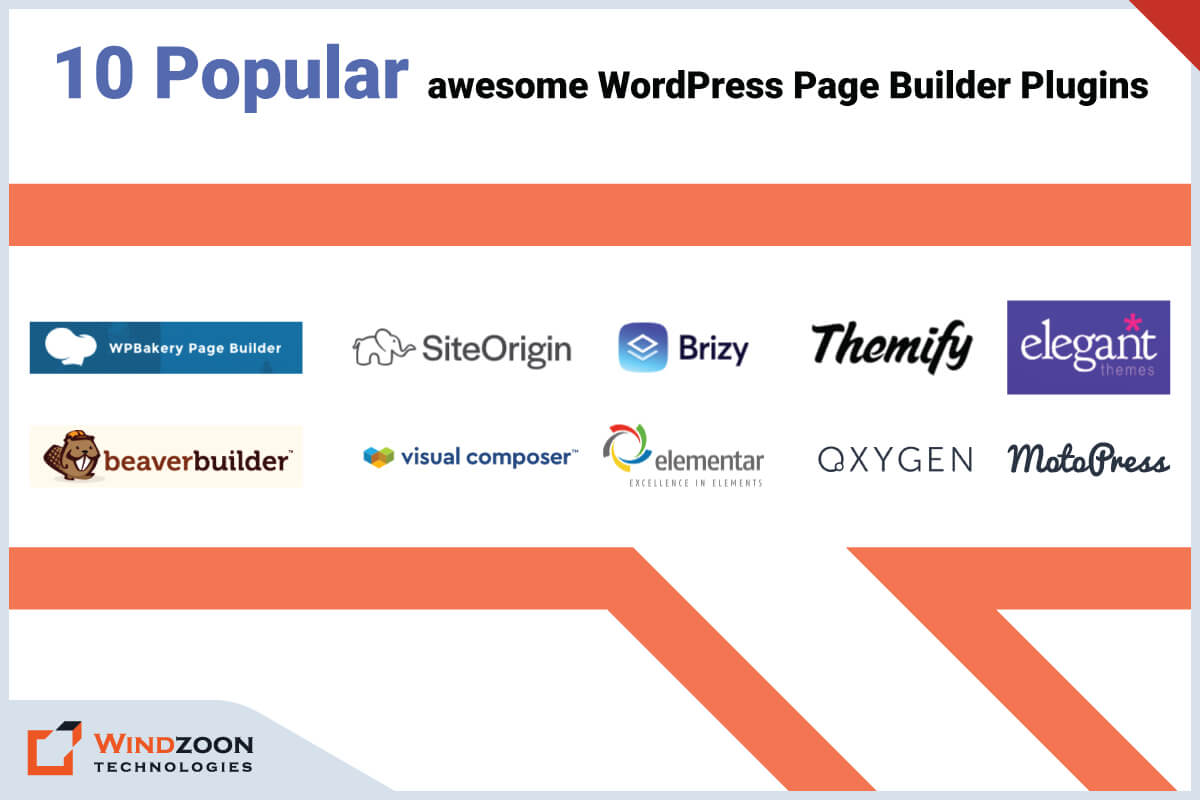
Top 10 WordPress Page Builder Plugins
Top 10 awesome WordPress Page Builder Plugins
1) Elementar WordPress Page Builder Plugin

Elementar WordPress Page Builder Plugin
Elementar is one of the latest and most popular free WordPress Page Builders. However, it does have a paid pro version. The free version offers a variety of features like a drag & drop website editor, 30 templates, 40 widgets, and responsive editing. It is one of the most potent WordPress Page Builders with the super-fast interfaces you will ever find.
Top Features:
- 90+ free widgets & 300+ templates
- Live edits & instant page loads
- The Premium version includes features like animations, shape dividers, gradient backgrounds, and headline effects
- Multilingual Plugin
- Custom CSS, motion effect, and 24/7 support in the premium plan
- Website kits and builders for themes & forms
- An open developer API, that can be extended and integrated into other systems
Price:
No charges for the regular version
The Pro version costs $49 for one site and goes up to $199 for unlimited sites
2) WP Bakery WordPress Page Builder Plugin
WP Bakery WordPress Page Builder Plugin
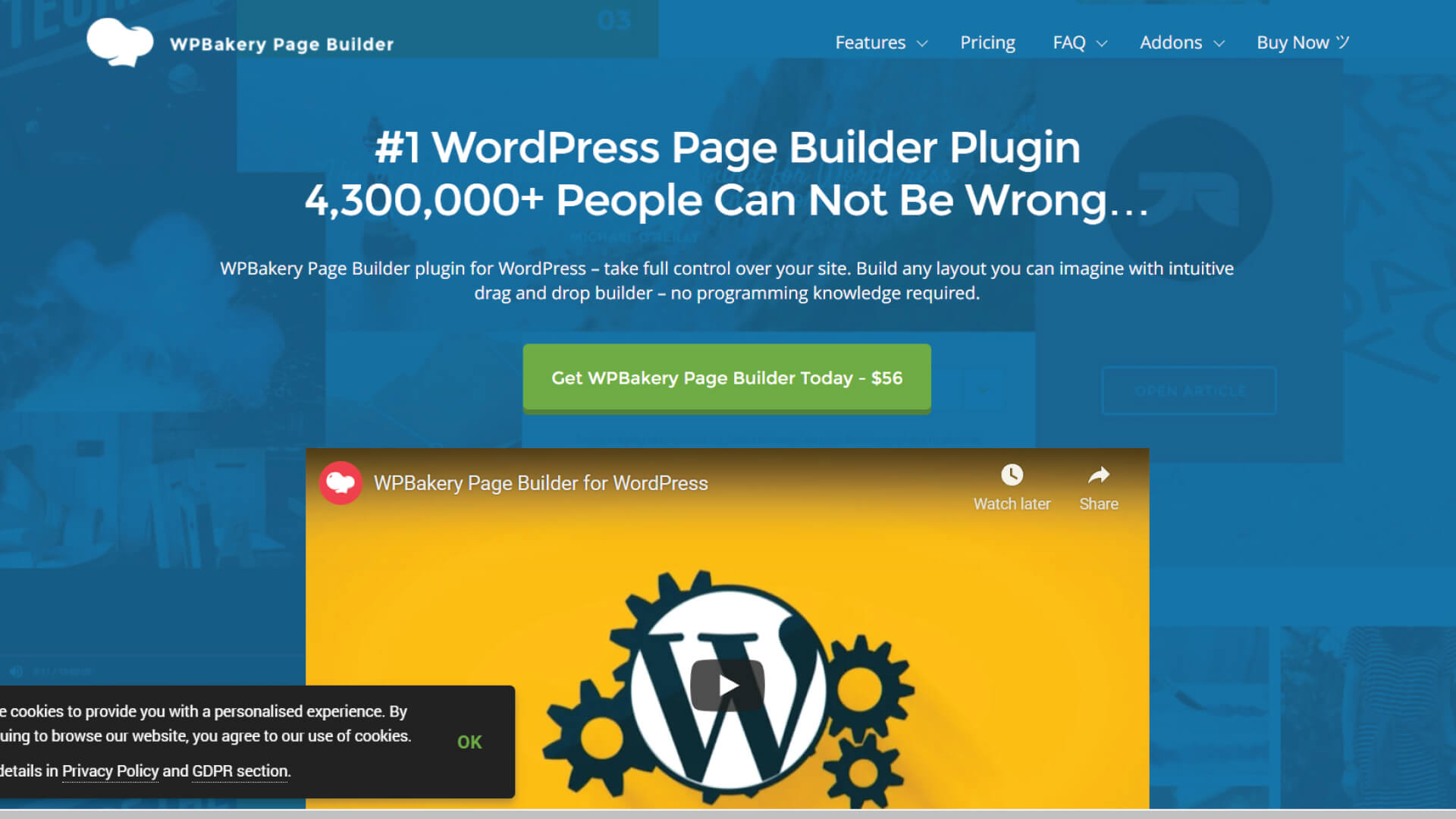
WP Bakery is a drag & drop WordPress Page Builder Plugin that is one of the pioneers and most robust plugins in the market. This Page Builder was once known as a Visual Composer before it got disassembled into a separate tool. It serves as a front-end & back-end Page Builder that creates responsive web pages with detailed and complicated layouts. It has various templates, a grid builder, and impressive flexibility. WP Bakery plugin is suitable for any WordPress theme.
Top Features:
- Used with any WordPress theme
- 250+ integration with important plugins like WooCommerce
- Built-in skin builder & 100+ pre-designed templates
- Supports third-party add-ons like Essential Grid and various contact forms
- User-friendly & Mobile-ready page builder with a well-developed API
- Advanced Grid Builder & more than 50 content elements
Price:
WPBakery Page Builder Plugin comes in premium plans that cost around $56/year to $245/ year.
3) Beaver Builder WordPress Page Builder Plugin

Beaver Builder WordPress Page Builder Plugin
Beaver Builder is a popular and premium WordPress Page Builder Plugin. It offers a robust and streamlined website-building process. It is a drag & drop page builder with various pre-built customizable templates. It enables developers to build websites quickly and smoothly. Developers can even save their designs and use them in their next projects. Beaver Builder can be used to make any website, from an e-commerce site to a blogging site.
Top Features:
- Reliable and straightforward with live & front-end editing
- A mobile-friendly builder that supports the WooCommerce
- Reusable rows and modules with import/export capabilities
- It supports the WPML translation plugin
- Beaver Builder can create integrations with other WordPress plugins
- Instead of creating shortcodes, Beaver Builder creates the straightforward HTML & CSS codes
- Effective customer support
- It also comes in a free version
Price:
Beaver Builder offers three different premium plans that cost $99/year, $199/year, and $399/year.
4) Visual Composer WordPress Page Builder Plugin
Visual Composer WordPress Page Builder Plugin
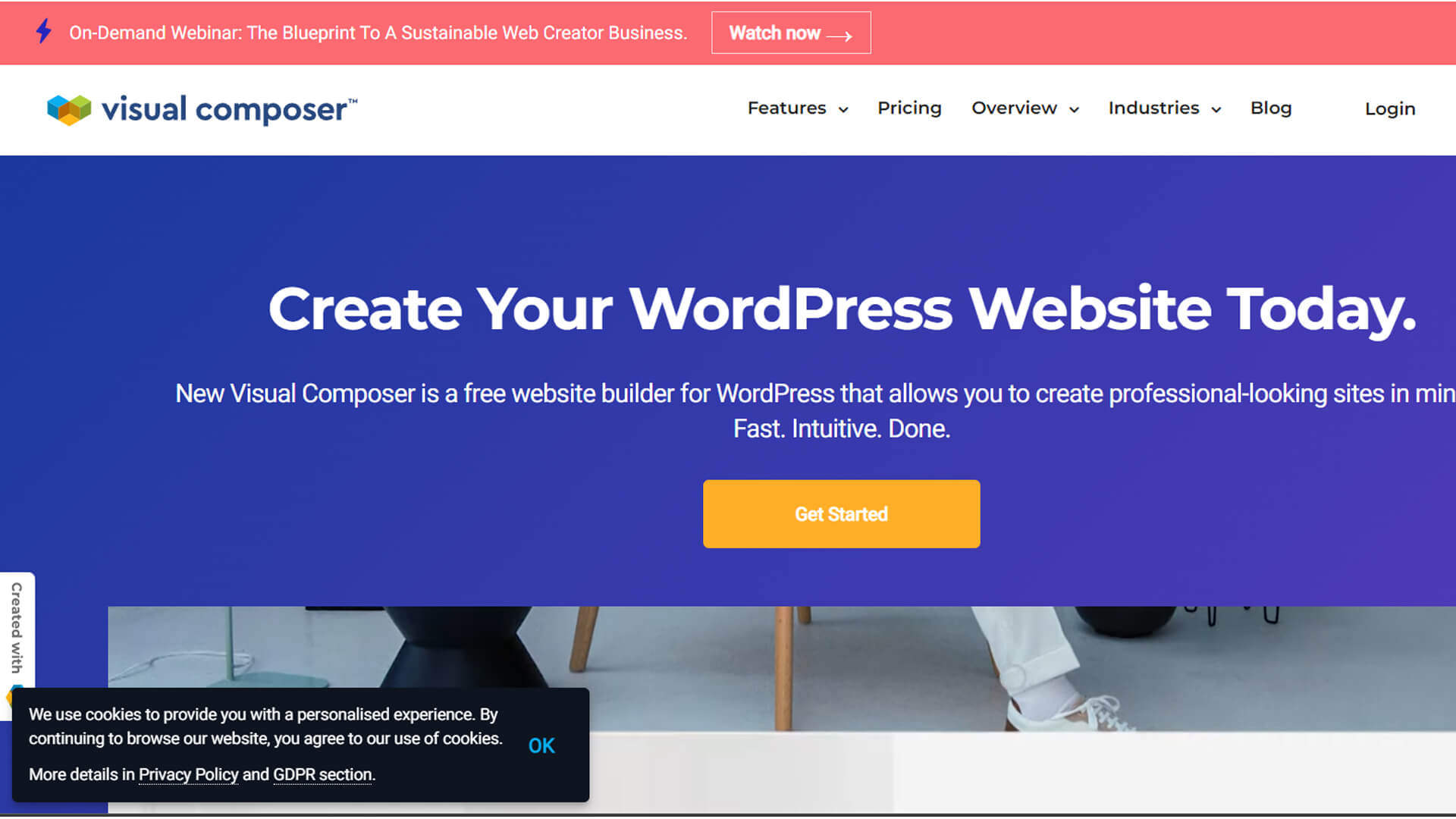
Visual Composer is one of the most capable and standard WordPress Page builders. It was developed by the creator of WP bakery and is fully equipped with advanced features for complete website building. With Visual Composer, developers can customize the look of their website. They can also modify the page elements, headers, footers, menus, and other visuals of their websites.
Top Features:
- 50+ premium content elements, 100 pre-designed layouts, and 40+ grid design templates
- 200+ exclusive third-party add-ons
- Simple drag & drop editor, No use of coding
- An advanced Visual Composer Hub with various extensions
- Three in one solution for the front-end and tree view editor
- Compatible with social media networks. It also provides filters like Instagram to create engaging images
- It includes WPForms and is compatible with Yoast.
- Developers can hide and display the elements as per their need
- It also supports JavaScript and CSS editing.
Price:
Visual Composer provides the options of five different yearly premium plans for $49, $99, $149, $349, and $849.
5) Themify Builder WordPress Page Builder Plugin
Themify Builder WordPress Page Builder Plugin
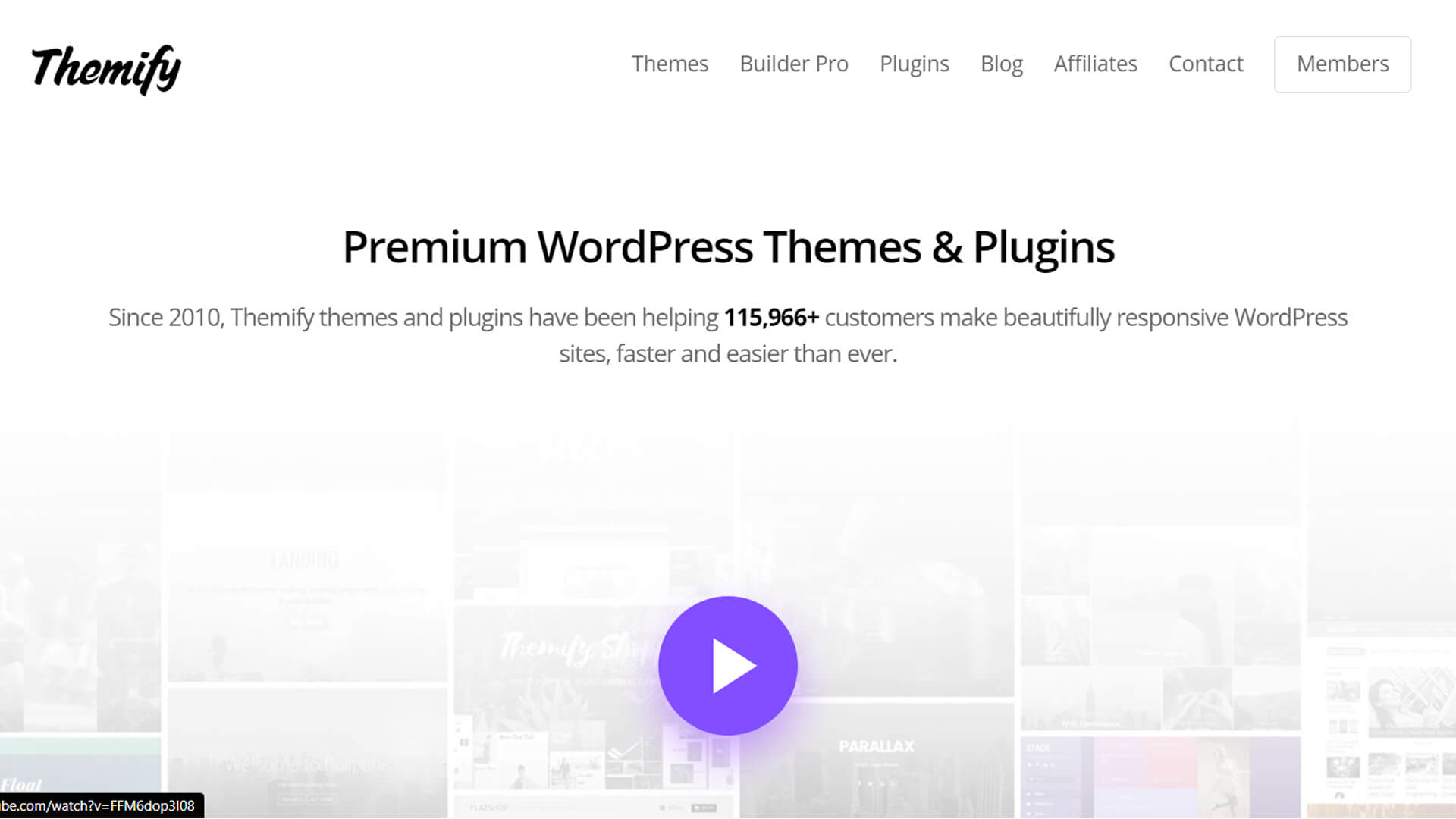
Themify is one of the powerful and intuitive WordPress Page Builders that let you customize almost every aspect of your web page. Themify Builder is a free Page Builder plugin that has many built-in tools. Themify is a reliable, easy-to-use, and adaptable WordPress plugin. With the help of Pre-designed modules and themes, developers can easily create websites.
Top Features:
- 40+ pre-designed modules
- Import/export feature, copy and paste modules, draggable column widths, and undo/redo feature
- It supports the creation of reusable custom CSS modules
- 60+ animation effects, Themify add-ons for responsive styling
- Capable for translation
- Themify supports custom code and shortcodes
Price:
Themify Builder is free. But if you want to access Themify themes, you have to pay $89/year or a one-time payment of $249.
6) Divi Builder WordPress Page Builder Plugin
Divi Builder WordPress Page Builder Plugin
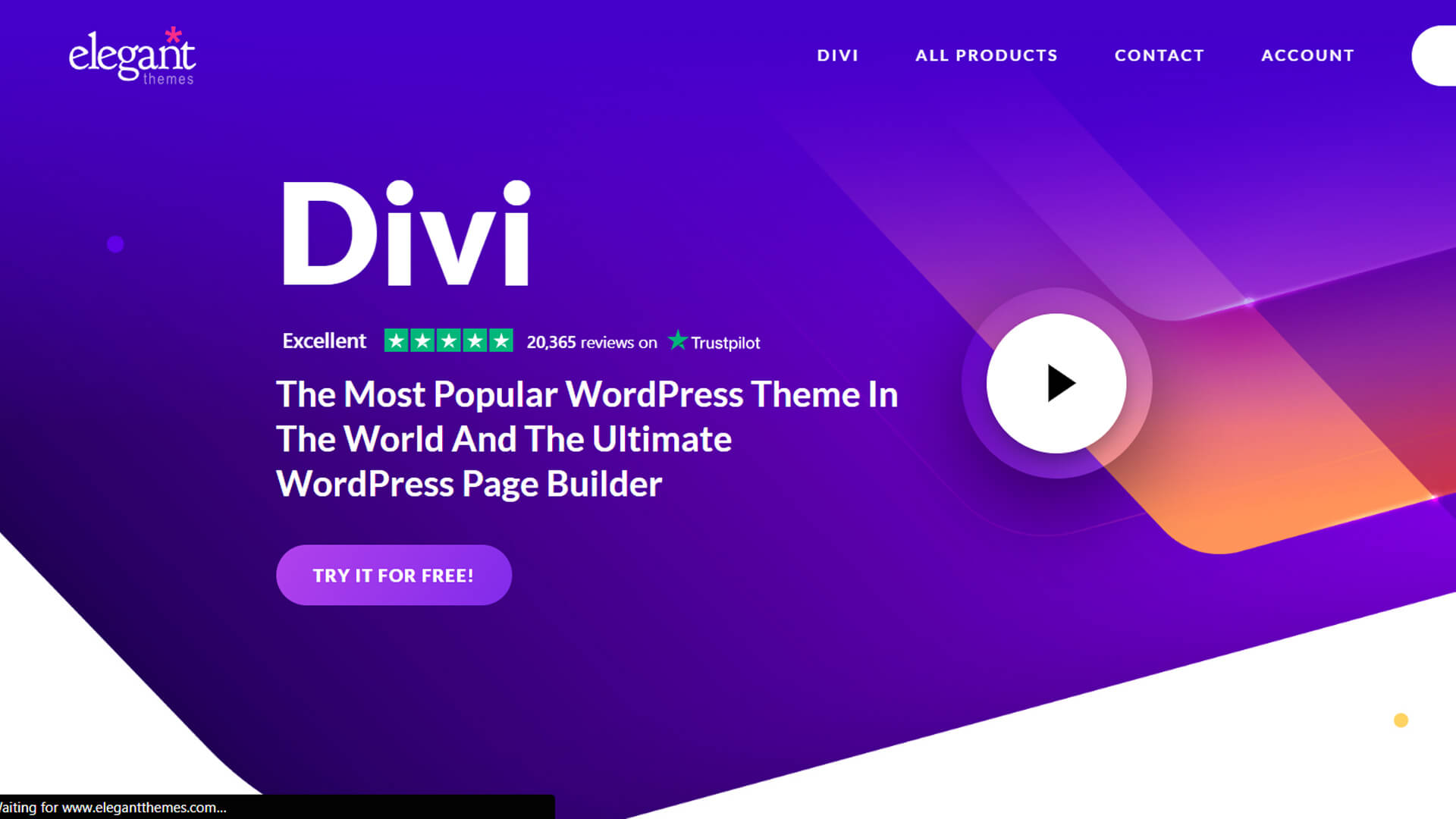
Divi Builder is a state-of-the-art, user-friendly drag & drop WordPress Page Builder Plugin. It has 50 readymade design elements with both front-end and back-end editing. Divi Builder also contains noteworthy features like a video slider and audio player module. It has a custom CSS control feature that customizes the site with the help of a code editor. Divi Builder cut down the editing timing with features like bulk editing, color manager, and copy & paste styles.
Top Features:
- Instant and responsive visual editing
- 40+ pre-designed modules and more than 110 designing themes
- Around 800 readymade layout designs and 100+ full-website layout packs
- Hover state styling to create hover state effects and convert modules into interactive elements
- Developers can save and reuse the design modules
- Unlimited use of undo and redo functions
- Wireframe mode
Price:
You can access Divi Builder for $89/year or get lifetime access for $249.
7) Site-Origin WordPress Page Builder Plugin

Site-Origin WordPress Page Builder Plugin
Site-Origin Page Builder is a free and one of the popular WordPress Page Builders with around 2.5 million-plus downloads. It is also one of the oldest page builder plugins, but its seldom updates have kept it Cutting-edge. It is a lightweight drag & drop builder with CSS controls for customization and creating websites without using codes. It is an ideal Page Builder for both beginners and advanced developers.
Top Features:
- Simple and responsive drag & drop plugin interface
- Easy to understand, robust, and a sleek toolbar
- It contains live back-end & front-end editing
- This Page Builder can easily integrate with other tools and is compatible with most the WordPress themes
- It offers free widgets bundle and a real-time preview with a history-browser feature
- This page builder is multilingual and is compatible with various translation plugins
Price:
It is a Free WordPress Page Builder. However, its premium version will cost you $29/per year.
8) Brizy WordPress Page Builder Plugin

Brizy WordPress Page Builder Plugin
Brizy is one of the latest, modern, and feature-rich WordPress Page Builders. It has a modern, cutting-edge interface with various high-quality designs and templates. These features help developers to build excellent-looking websites. This Page Builder has a global styling feature. It is used to change elements across the entire website. Brizy has more than 25 widgets and pre-designed modules, pop-ups, and blocks for flawless website customization. It has an auto-save feature, and it also offers 500 plus blocks available in both light & dark modes.
Top Features:
- 25 widgets, pre-designed modules, 500+ blocks, and pop-builder
- It has one of the best-designed user interfaces in WordPress Page Builders
- Auto-saving feature
- Image-video filters, animated sliders, and visual contact forms
- Global styling feature
- Light & dark mode
- Simply enjoyable front-end real-time editing
- It contains more than 4000 vector icons to fit all types of projects
Price:
Brizy Page Builder is free for basic features. It is available for $149/year, $299/year, and $329/year for advanced features.
9) MotoPress Content Editor WordPress Page Builder Plugin
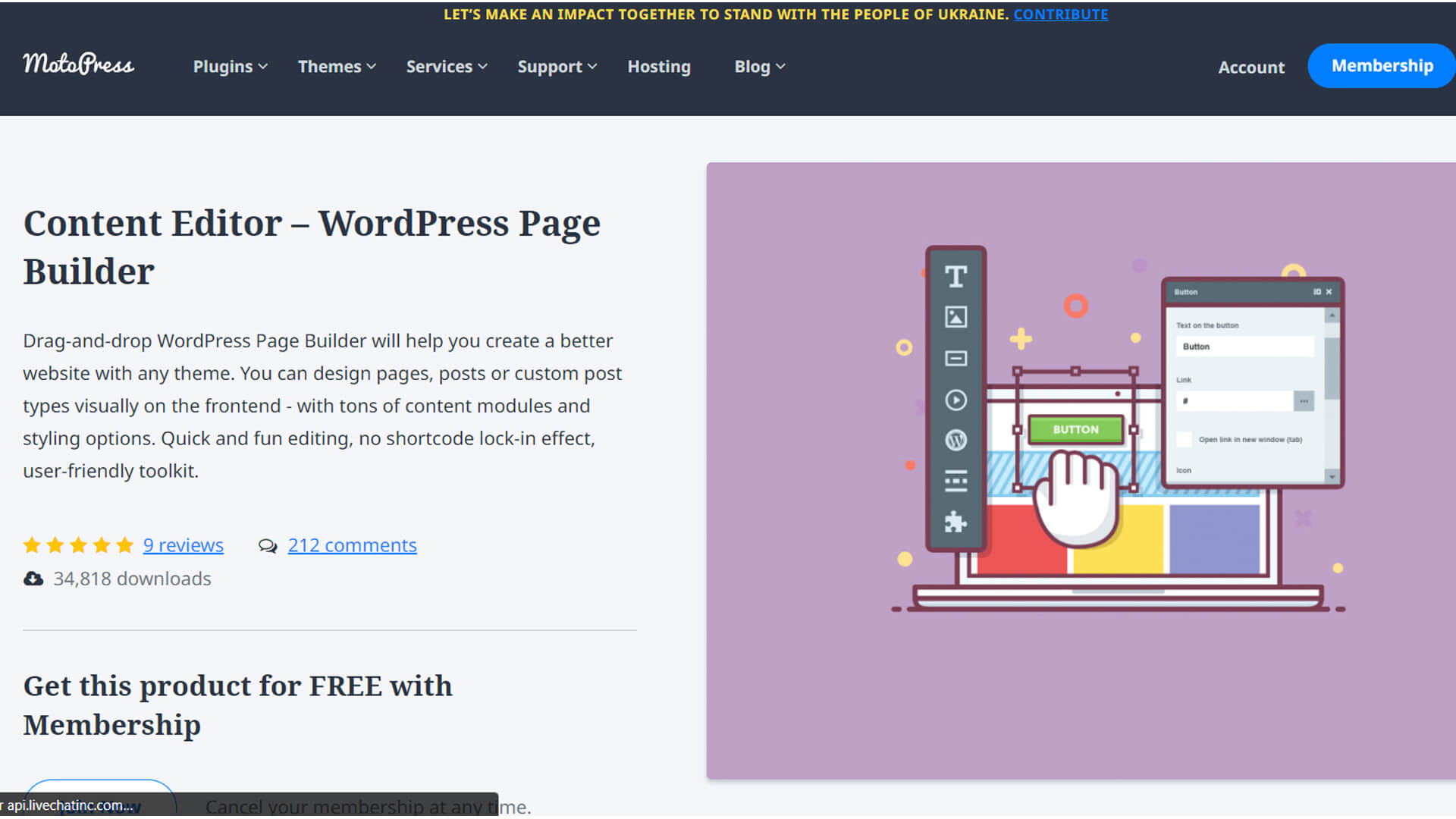
MotoPress Content Editor WordPress Page Builder Plugin
MotoPress Content Editor is a simple, affordable, multilingual drag & drop WordPress Page Builder. This page builder is compatible with any WordPress theme. It can also merge with the WordPress editor to deliver real-time front-end editing. MotoPress contains a visual editor, various pre-designed layouts, and a set of premium add-ons to make a simple yet elegant and competent website.
Top Features:
- Simple, user-friendly, and reasonable premium WordPress Page Builder
- A very convenient real-time front-end editing
- Pre-designed modules, elements with style builder
- Readymade drag & drop WordPress Page Building themes
- Multilingual page builder compatible with multisite and WPML
- A set of premium add-ons
- Google Web Fonts
Price:
MotoPress Content Editor has three different paid plans for its premium version. The first is $39/year, the second is $69/year, and the third is $139/year.
10) Oxygen WordPress Page Builder Plugin

Oxygen WordPress Page Builder Plugin
Oxygen is one of the exceptional WordPress Page Builders. It has exciting features like visual site building, Woocommerce store support, search engine optimization(SEO) & website support. This page builder operates through a separate sandbox module that connects with WordPress. Oxygen has flexible layout control with custom-set icons and fonts. It is also compatible with Gutenberg WordPress Page Builder.
Top Features:
- Fluid and intuitive user interface with drag & drop visual editing feature
- Offers traditional coding facilities with Java, HTML, PHP, and CSS
- A solid visual frontline builder with a custom header builder
- Global Colors
- It supports WooCommerce
- Fully Compatible with Gutenberg Plugin
- Oxygen has a dynamic data feature
- It provides complete flexibility and control
Price:
Oxygen is available in four premium paid options, which are $129, $199, $279, and $349( for a one-time payment).
Conclusion
In this blog, we have mentioned the best WordPress Page Builder Plugins available in the market. And we genuinely hope that the information provided in this blog will assist you in choosing the right WordPress Page Builder according to your need.
However, with the ample amount of flexibility and customization WordPress offers, creating a website on it is a little overwhelming. Selecting an appropriate page builder tool will simplify your website-building process and save you time.
If you desire a flawlessly built WordPress website without getting involved in the construction process, then teaming with WindZoon Technologies will be the wise option. We are one of India’s best and most exceptional WordPress Development Company.
We have a fantastic team of experienced and talented WordPress developers who will turn your dream website into a reality. Contact us to get a quote or know more about our WordPress website packages.