When you are in the e-commerce business, one of the most important decisions that any business owner must make is whether to engage skilled Shopify developers or go the DIY path and set up their online store. Choosing skilled Shopify developers who are also official Shopify experts adds a layer of credibility and trust, as these professionals are recognized for their expertise and adherence to Shopify’s standards. This choice is more than a mere operational consideration; it’s a strategic decision that can significantly impact the trajectory of a business.
Opting for a DIY approach offers the appeal of hands-on involvement and potentially lower upfront costs, fostering a sense of personal accomplishment and control. Conversely, hiring expert Shopify developers brings in specialized expertise, advanced customization, and efficiency, albeit at a higher initial investment.
Also, this critical decision weighs heavily on factors such as budget, technical skill level, and long-term business goals. Understanding the implications of this choice is crucial, as it can profoundly influence the success, growth, and competitive edge of your ecommerce venture in an increasingly digital marketplace.
In this blog, we aim to dissect both paths, providing a comprehensive overview of the pros and cons associated with each. Our goal for doing this is to empower you with the insights needed to make an informed decision that aligns with your online business’s long-term success and growth.
- The DIY Approach to Shopify
- Pros of DIY
- Cons of DIY
- Hiring Expert Developer for Shopify Development
- Pros of Hiring Shopify Expert Developers
- 1. Professional Expertise: A Foundation for Success
- 2. Advanced Customization: Tailoring to Your Unique Needs
- 3. Time Efficiency: Accelerating Your Journey to Market
- 4. Long-Term Scalability: Preparing for Future Growth
- 5. Enhanced User Experience: Winning Customer Loyalty
- 6. Ongoing Support and Updates: Ensuring Continuous Excellence
- Cons of Hiring Shopify Expert Developers
- Case studies of successful stores built by expert developers
- Cost-Benefit Analysis
- Making the Right Choice for Your Business
- Go for the Best
Now, let’s look at the first approach, which is DIY.
The DIY Approach to Shopify
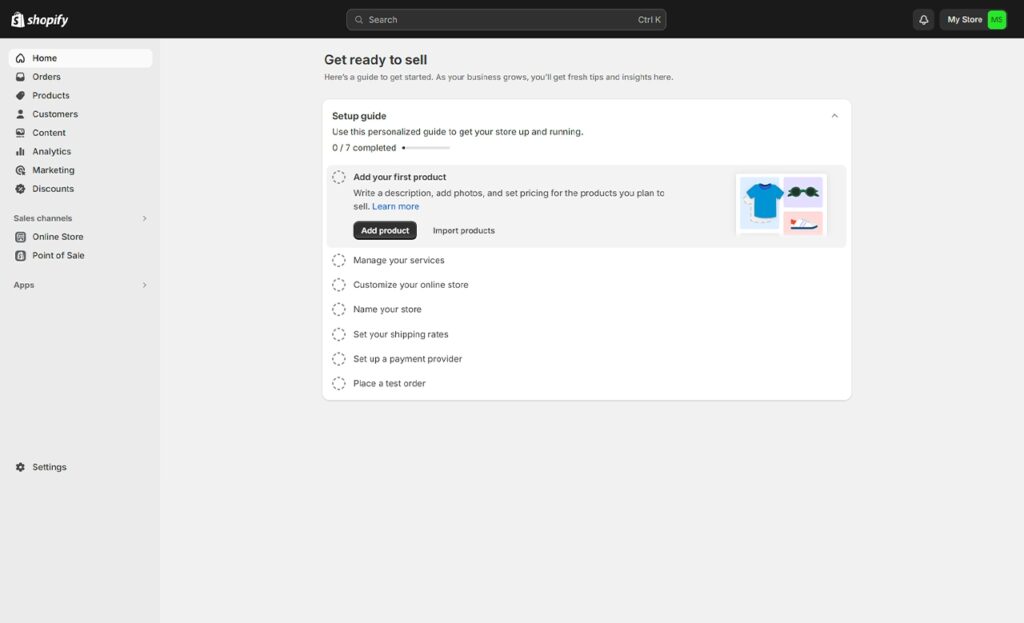
In the digital era where e-commerce platforms like Shopify have democratized online retail, many aspiring entrepreneurs and business owners grapple with a crucial decision: Should they dive into building their online store independently, or is hiring a Shopify expert developer the better route? Let’s explore the Do-It-Yourself (DIY) approach to Shopify, a path many tread in pursuit of digital storefronts. In fact, many businesses have successfully launched their stores using the DIY approach.
Understanding the DIY Approach
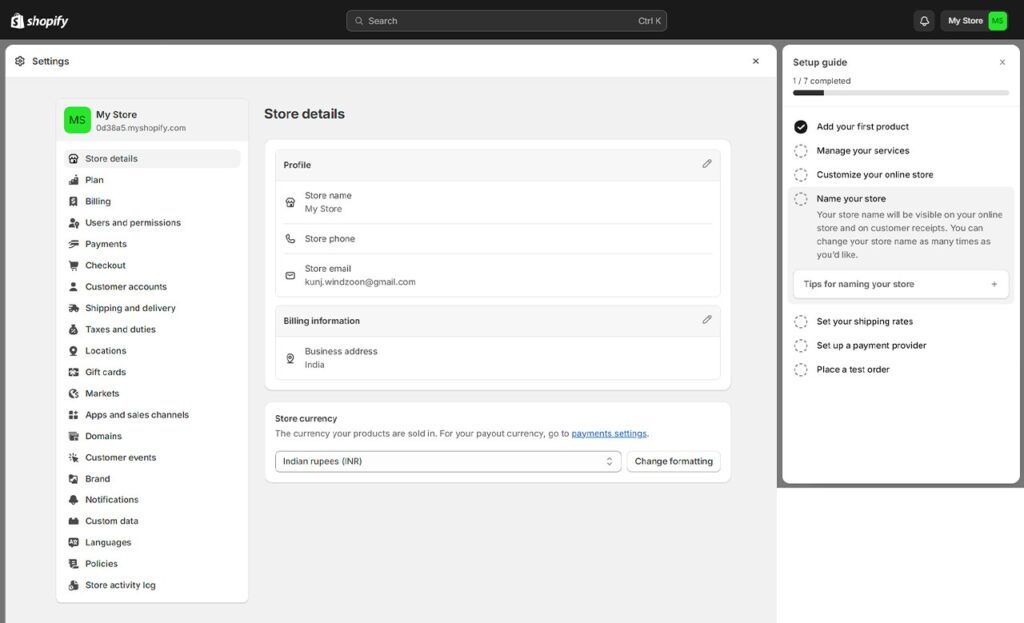
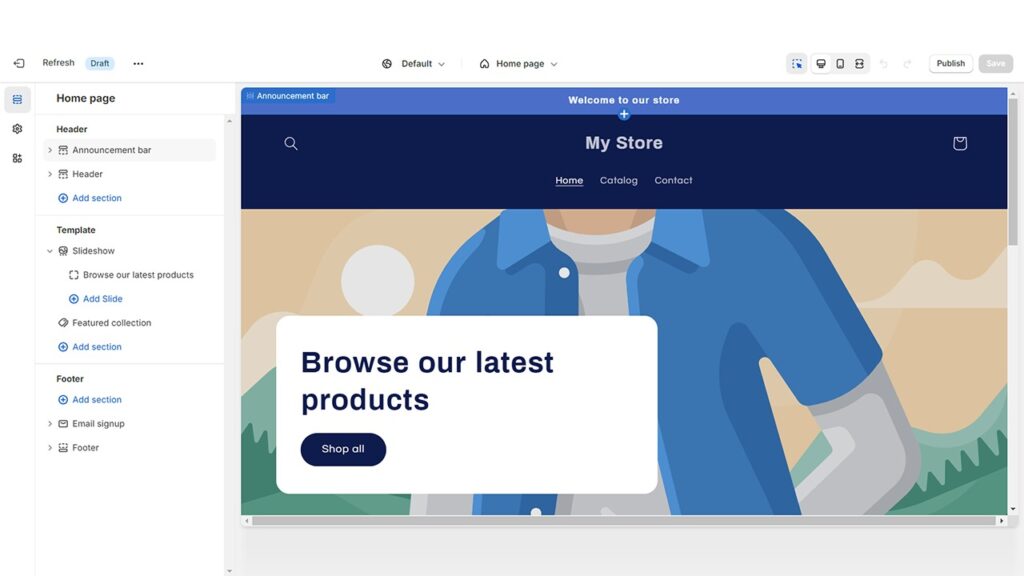
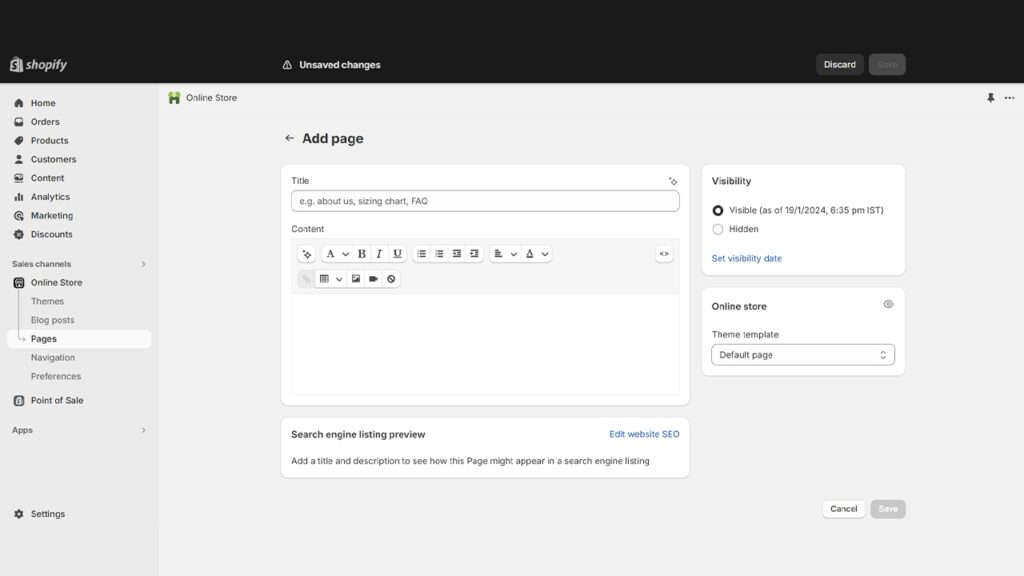
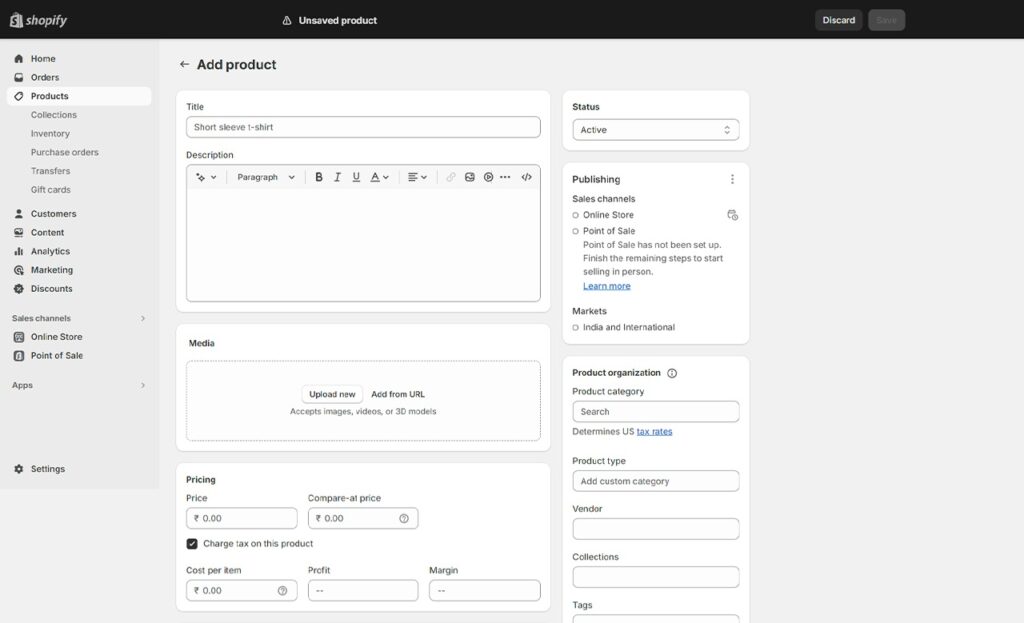
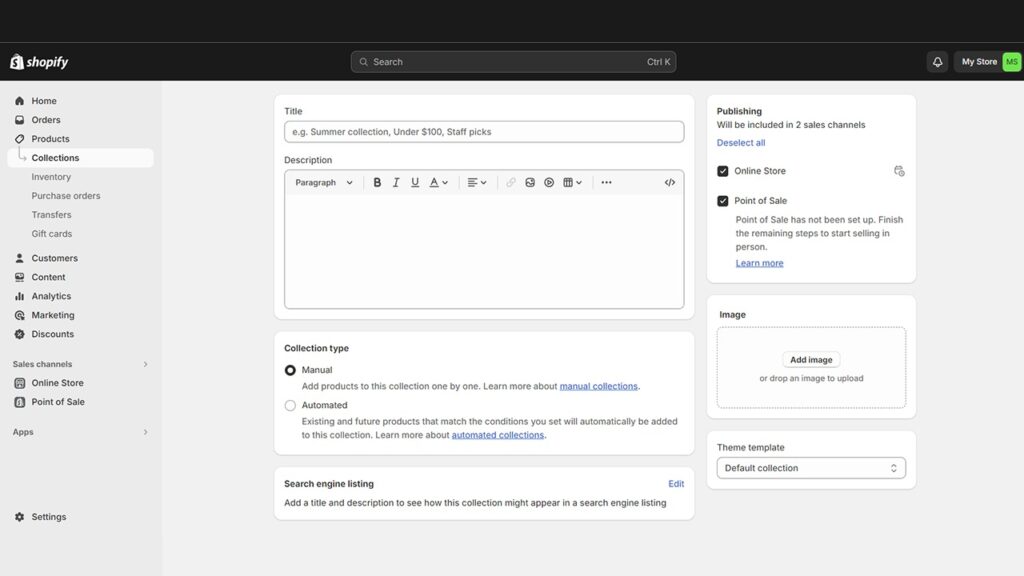
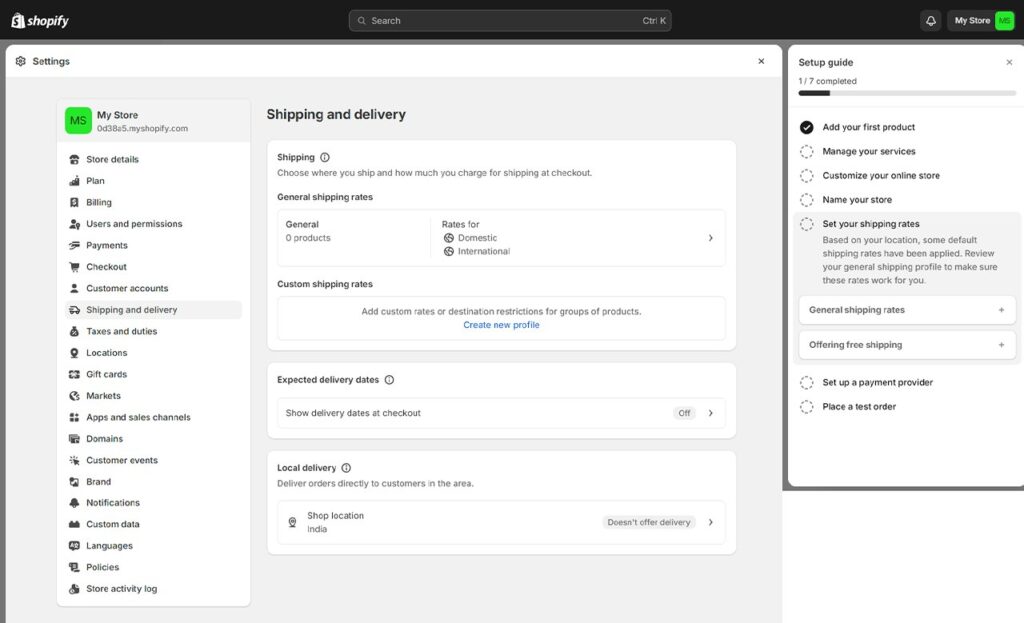
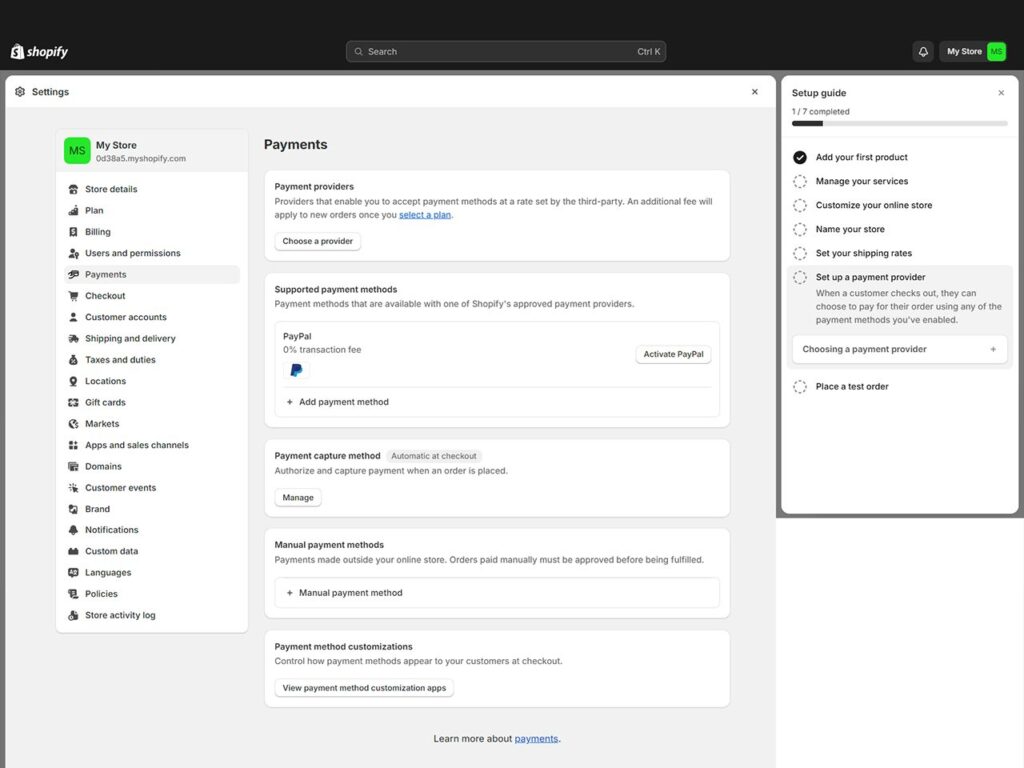
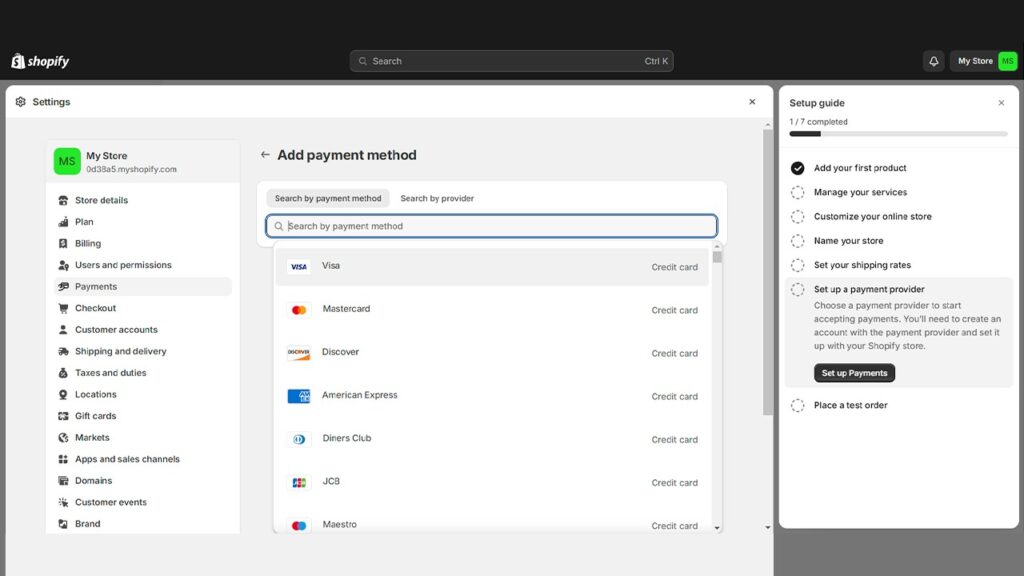
The DIY approach in the context of Shopify involves setting up, designing, and managing an online store without professional assistance. This route is facilitated by Shopify’s user-friendly interface, which offers a range of templates, drag-and-drop tools, and intuitive controls. Moreover, it’s about taking the reins of your e-commerce journey, from conceptualizing the store’s look and feel to integrating various functionalities like payment and shipping.
Development Services and Solutions for DIY
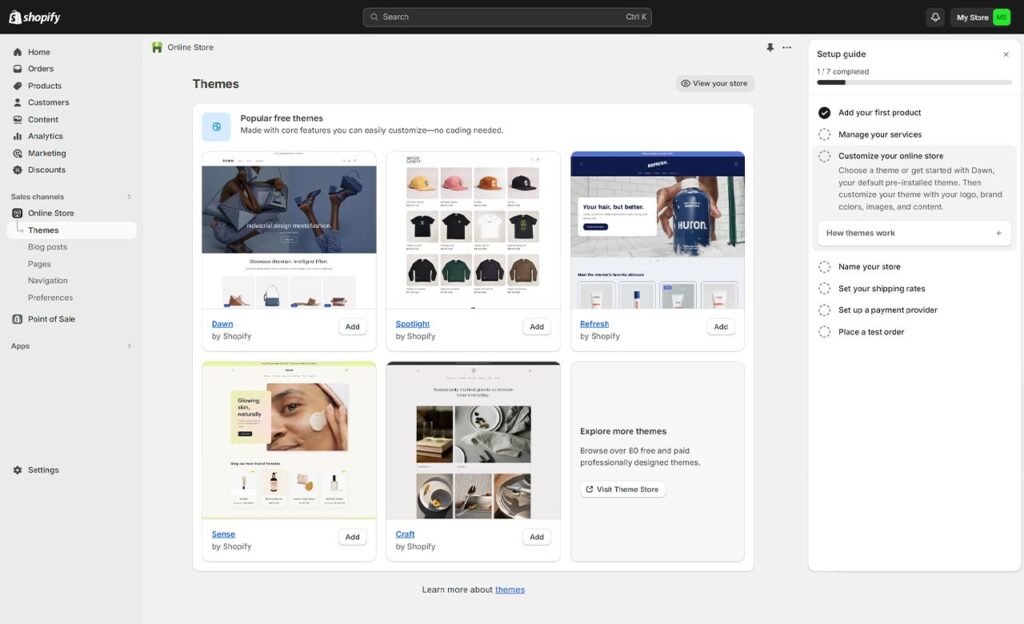
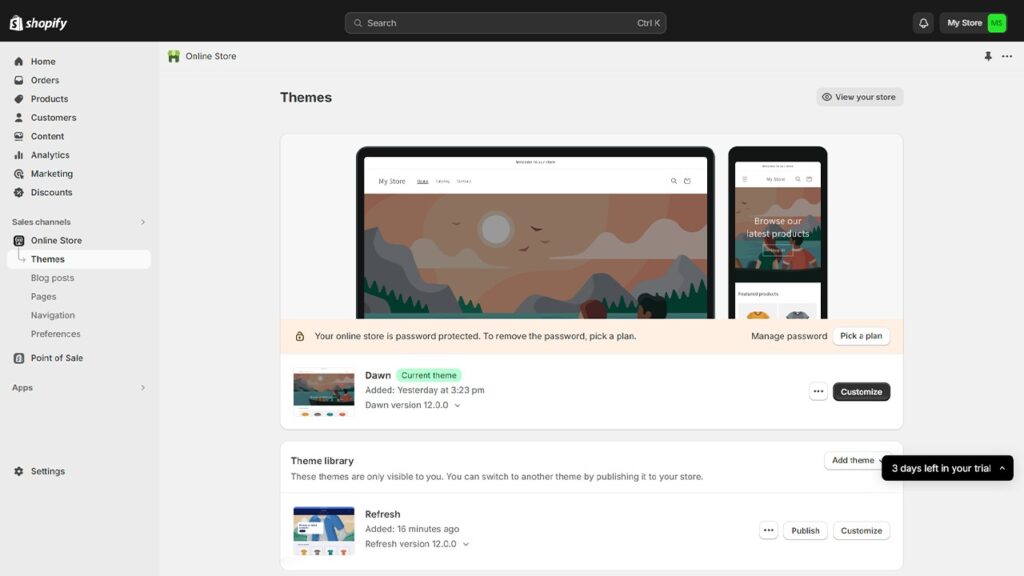
For businesses that prefer a hands-on approach to building their online presence, Shopify offers a wealth of DIY development services and solutions. The Shopify platform provides a variety of customizable themes, allowing store owners to tailor the look and feel of their site to match their brand. With intuitive theme customization options, even those without a technical background can create a fully responsive and user-friendly Shopify store that stands out in the crowded e-commerce landscape.
App integrations further enhance the functionality of Shopify stores, enabling businesses to add features such as advanced analytics, customer reviews, and seamless payment gateways. Shopify experts have developed a robust ecosystem of apps and plugins, making it easy to extend your store’s capabilities as your business grows. Additionally, Shopify’s extensive support resources—including tutorials, webinars, and active online forums—empower businesses to develop their skills, troubleshoot issues, and stay up-to-date with the latest platform updates. By taking advantage of these development services, businesses can confidently build and manage their own e-commerce stores, ensuring they remain agile and competitive in the ever-evolving digital marketplace.
Pros of DIY
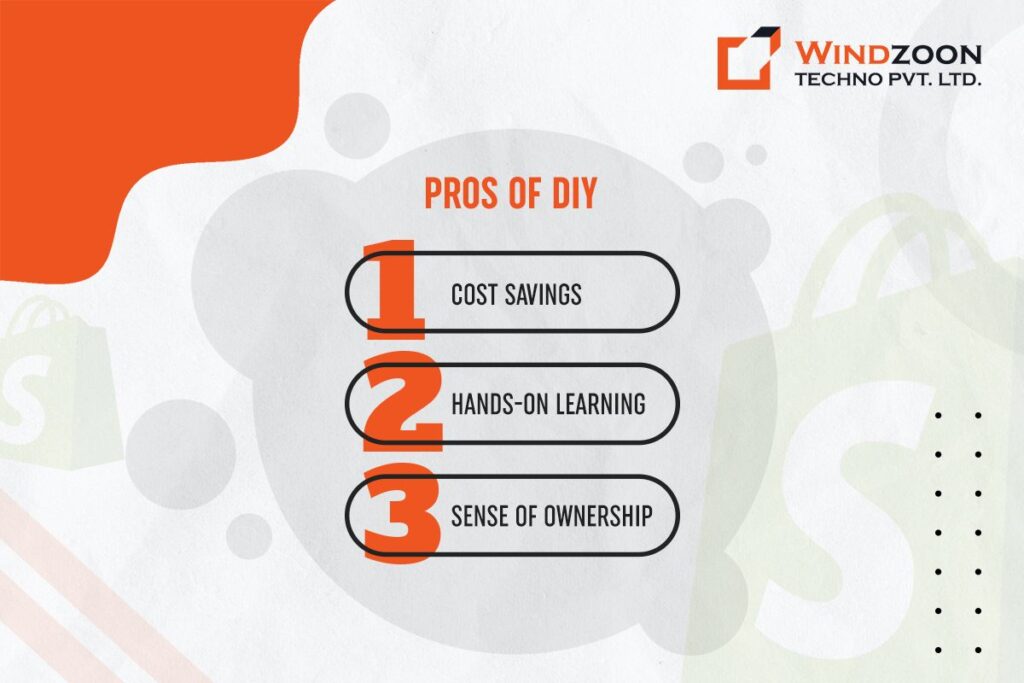
When you adopt a DIY approach for Shopify development, it presents several compelling advantages. These are:
1. Cost Savings: A Smart Financial Move
One of the most significant benefits of DIY Shopify development is the potential for cost savings. By handling the development process yourself, you eliminate the need for hiring external experts, thus significantly reducing expenses. This approach is particularly advantageous for startups or small businesses with limited budgets, allowing them to allocate resources more effectively across other critical business areas.
2. Hands-On Learning: Gaining Valuable Skills
Embarking on DIY development is not just about cutting costs; it’s a journey towards acquiring valuable skills. This hands-on experience allows you to gain a deeper understanding of the Shopify platform. Also, it equips you with the knowledge to make swift changes, adapt to new e-commerce trends, and understand the intricacies of online store management. This knowledge is invaluable, as it empowers you to maintain and update your store independently, without always relying on external help.
3. Sense of Ownership: Taking Control of Your Vision
Lastly, a DIY approach to Shopify development instils a strong sense of ownership and control. When you’re directly involved in building your online store, you have the freedom to shape it precisely as you envision. This direct involvement ensures that every aspect of the store, from layout to functionality, aligns perfectly with your brand identity and business goals.
Cons of DIY
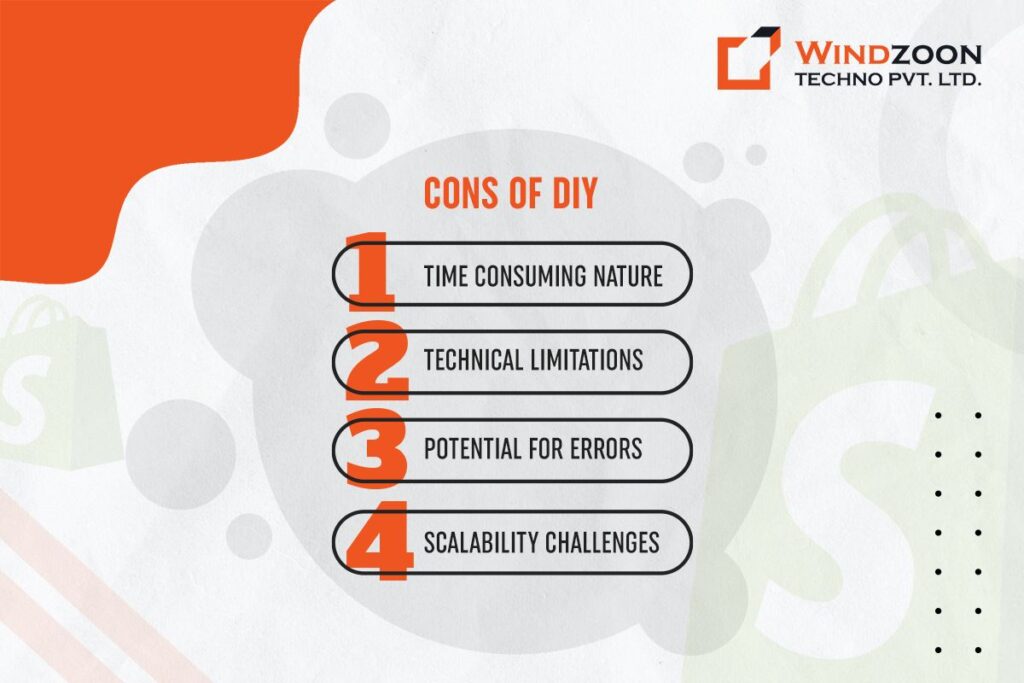
The DIY approach to Shopify development, while appealing for its autonomy and cost-effectiveness, carries certain disadvantages that can impact the efficiency and potential growth of an e-commerce business.
1. Time-Consuming Nature: A Major Hurdle
Firstly, the DIY route is inherently time-consuming. For those without extensive experience in web development, navigating through Shopify’s functionalities and customizations can be daunting. Also, the learning curve is steep, and significant time must be invested in understanding the platform’s nuances.
This time investment can be a major setback, especially for business owners whose primary focus should be on other critical aspects of their business, such as product development, market research, and customer relations.
2. Technical Limitations: A Barrier to Customization
Another issue is the technical limitations that DIY developers might face. While Shopify is user-friendly, creating a truly unique and fully functional e-commerce store often requires in-depth coding and web design knowledge.
Without these skills, one might be restricted to basic templates and functionalities, limiting the ability to stand out in a competitive digital marketplace.
3. Potential for Errors: Compromising Store Integrity
DIY development also increases the risk of errors, which can range from minor glitches to significant issues affecting user experience or transaction security.
Such errors not only require additional time to resolve but can also diminish the credibility and professionalism of the store, potentially leading to lost sales and damaged reputation.
4. Scalability Challenges: Restricting Business Growth
Finally, scalability can be a challenge in DIY Shopify development. As the business grows, the store must adapt to increased traffic, more products, and expanded customer service needs.
Without professional input, scaling up the store to meet these evolving demands can be difficult, potentially hindering long-term business growth and sustainability.
Now, we will move forward to our second approach which is hiring Shopify developers. Thus, let’s get a basic understanding of the role of Shopify developers and the benefits of working with them.
Hiring Expert Developer for Shopify Development
While the DIY approach to setting up a Shopify store offers autonomy and cost savings, the complexities of e-commerce often call for a more professional touch. This is where a Shopify expert developer comes into the picture, bringing a wealth of knowledge and skills to the table. Let’s delve into their role and evaluate the pros and cons of hiring these professionals.
Understanding the Role of Shopify Website Developers
Shopify store setup experts are not just coders; they are architects of the digital marketplace. Their role extends beyond basic website development to include strategic planning of the store’s design, functionality, and user experience. These experts often work as trusted partners, collaborating closely with businesses to achieve their goals. They work on crafting a unique online presence, implementing custom features, and ensuring that the store operates seamlessly across various platforms and devices. In addition, Shopify development experts help create a strong brand identity for ecommerce businesses, supporting effective branding that differentiates stores and enhances customer engagement. Their expertise also includes Shopify app and Shopify app development, allowing them to build custom Shopify apps that add unique features and improve store functionality.
Pros of Hiring Shopify Expert Developers
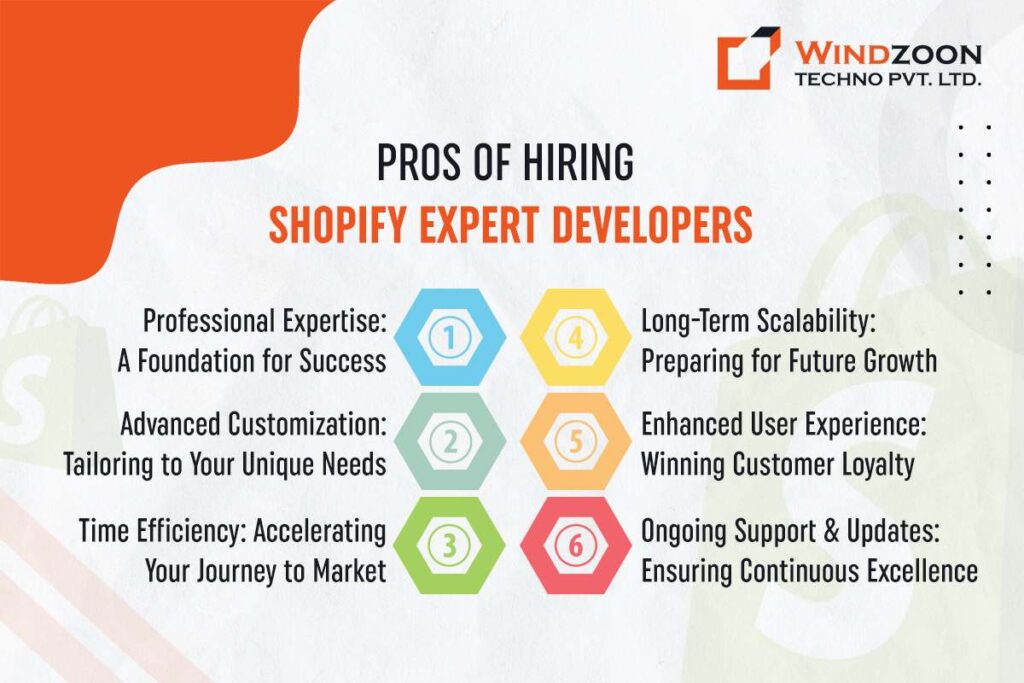
Hiring Shopify store setup experts offers numerous advantages to businesses seeking a robust online presence. These professionals bring in a combination of skills and insights that can significantly enhance your e-commerce platform. With extensive experience working with a wide range of clients, they build trust through ongoing support and reliable service.
1. Professional Expertise: A Foundation for Success
When you hire Shopify store developers, they come equipped with extensive knowledge and experience in Shopify platform intricacies. This expertise is invaluable in navigating the platform’s vast functionalities and leveraging them to your advantage.
Also, their understanding of the latest e-commerce trends and Shopify’s evolving features means they can implement cutting-edge solutions, ensuring your store is not only functional but also ahead of the curve.
This professional guidance can help you avoid common pitfalls and make informed decisions, saving both time and resources in the long run.
2. Advanced Customization: Tailoring to Your Unique Needs
Employing skilled developers in your Shopify project can transform your store from a standard template to a unique reflection of your brand.
Additionally, they possess all the necessary skills to create custom themes, integrate bespoke functionalities and robust security. They ensure every aspect of the e-commerce store aligns with your business identity and goals.
This level of customization sets your store apart from competitors and resonates more effectively with your target audience. So, the idea that only you can create a Shopify store that matches your vision is not true.
3. Time Efficiency: Accelerating Your Journey to Market
Another significant benefit of hiring Shopify store developers is time efficiency. When you don’t need to do development work, you will get quite a good time at your hand. You can invest that time in other important strategic business decisions or operations.
Also, Shopify developers streamline the development process, enabling a quicker launch or update of your online store. This rapid deployment is crucial in the fast-paced world of e-commerce, where being first to market can be a game-changer.
4. Long-Term Scalability: Preparing for Future Growth
Like all businesses, you too want yours to grow and earn more profits. When you want to expand your business, you will also need an online store that can grow with you. To build a store with that kind of scalability, you need to get help from a skilled Shopify developer.
Seasoned Shopify developers build Shopify dev stores with scalability in mind. They ensure that your Shopify store can grow alongside your business, accommodating increased traffic, more product lines, and expanding market needs.
This foresight in development spares you the need for constant overhauls. Additionally, it allows for a smoother scaling process as your business evolves. Moreover, employing competent Shopify developers might save you a lot of money in the long run by preventing the costs of developing another store.
5. Enhanced User Experience: Winning Customer Loyalty
User experience is paramount in e-commerce. Shopify experts specialize in creating intuitive, engaging, and user-friendly store designs.
They focus on optimizing site navigation, load times, and mobile responsiveness, all of which contribute to a satisfying customer experience. A well-designed store not only attracts customers but also encourages repeat business and word-of-mouth referrals.
6. Ongoing Support and Updates: Ensuring Continuous Excellence
Finally, hiring expert developers means you have ongoing support and access to regular updates. E-commerce is dynamic, with constant changes and new challenges.
Having a dedicated team of developers ensures your store remains up-to-date, secure, and efficient. This continuous support helps in promptly addressing any issues, adapting to new trends, and keeping your store at the forefront of e-commerce developments.
Cons of Hiring Shopify Expert Developers
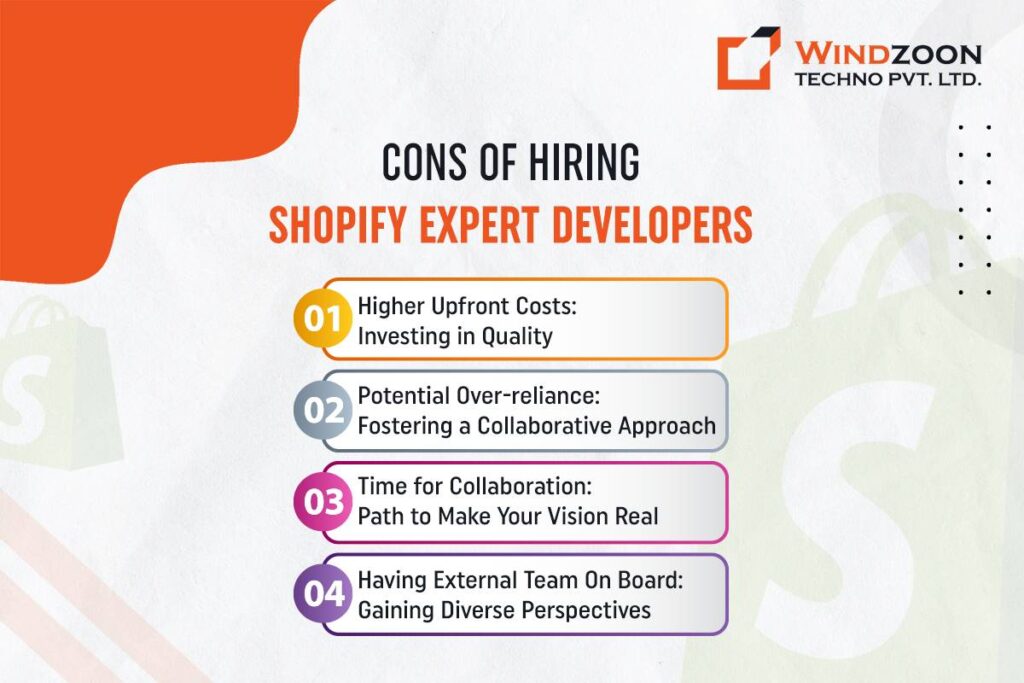
Hiring Shopify store developers, while beneficial in numerous ways, does come with certain considerations that businesses should be aware of. These aspects, often perceived as cons, can be reframed to highlight how they may ultimately benefit your business.
1. Higher Upfront Costs: Investing in Quality
One of the primary considerations of hiring Shopify developers is the higher upfront cost. Expert developers typically charge more due to their specialized skills and experience.
However, this should be viewed as an investment rather than a cost. The expertise of these developers often leads to a more robust, efficient, and scalable online store. This means fewer issues in the long run, saving money that might otherwise be spent on frequent fixes or redesigns.
Furthermore, a well-developed store can lead to higher customer satisfaction and increased sales, offering a return on investment that far outweighs the initial expenditure.
2. Potential Over-reliance: Fostering a Collaborative Approach
Another concern is the potential over-reliance on hired developers. While relying too much on outside help can leave you feeling disconnected from your own e-commerce platform. However, you can mitigate it through a collaborative approach.
Working closely with Shopify experts results in a superior product and provides an opportunity for you and your team to learn from their expertise. This collaboration can enhance your understanding of the platform, making you feel connected to it and more self-reliant over time.
3. Time for Collaboration: Path to Make Your Vision Real
When you work with experts, it requires time for effective collaboration and communication. This might seem like a slow-down of your project in the short term. But this time is invaluable for ensuring your vision is accurately translated into the digital space.
Through detailed discussions, developers can tailor the platform precisely to your business needs, which can lead to a more successful outcome than a rushed, less personalized approach.
4. Having External Team On Board: Gaining Diverse Perspectives
Finally, the notion of having an external team on board is a con worth re-evaluating. Bringing in Shopify experts means introducing fresh, unbiased perspectives to your project.
These professionals can offer innovative solutions and ideas that might not have been considered internally. Their experience with a variety of projects equips them with insights that can significantly benefit your store’s design and functionality.
Next, we will study some of the significant examples of Shopify stores developed with the help of skilled developers.
Choosing the Right Shopify Developer or Agency
Selecting the right Shopify developer or agency is a crucial step in building a successful e-commerce store. It’s important to choose a trusted Shopify agency with a proven track record of delivering high-quality, custom Shopify themes and innovative app integrations. Start by reviewing the agency’s portfolio to assess their experience with projects similar to yours, and read client testimonials to gauge their reputation for delivering results.
Look for a Shopify partner that demonstrates deep expertise in the platform, from theme customization to advanced integrations, and has a history of supporting businesses through every stage of their e-commerce journey. A reputable agency will offer transparent communication, reliable support, and a collaborative approach to ensure your vision is brought to life. By partnering with a skilled Shopify developer or agency, you can be confident that your store will benefit from the latest e-commerce solutions and ongoing support, setting your business up for long-term success.
Victoria Beckham Beauty
When you engage Shopify developers or experts, you can expect a comprehensive suite of services tailored to your business’s unique needs. These professionals offer everything from custom app development and theme customization to complete store setup and ongoing maintenance. A trusted Shopify agency will provide a dedicated team of developers, designers, and marketing specialists who work together to optimize your store for search engines, enhance user experience, and drive conversions.
Beyond technical development, Shopify experts can assist with email marketing, social media integration, and SEO optimization, ensuring your store attracts more traffic and converts visitors into loyal customers. Ongoing support and maintenance mean your store remains secure, up-to-date, and fully responsive to the latest Shopify updates and e-commerce trends. By partnering with a reputable Shopify agency, you gain access to a wealth of expertise and resources, empowering your business to grow and succeed in the competitive online marketplace.
Case studies of successful stores built by expert developers
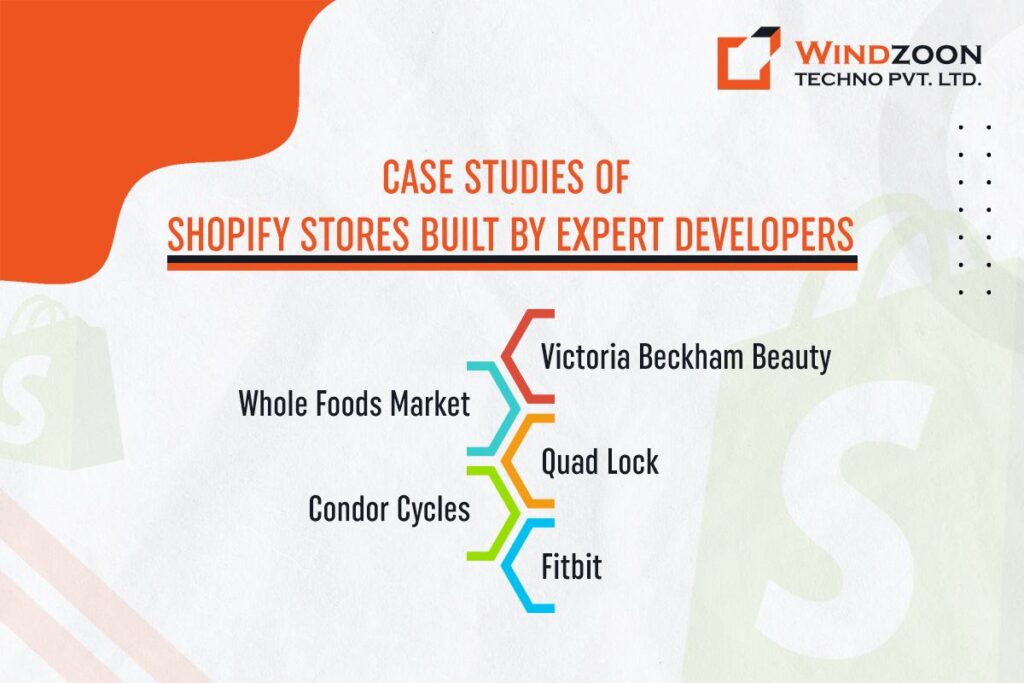
Victoria Beckham Beauty
Co-founded by the renowned Victoria Beckham and Sarah Creal, Victoria Beckham Beauty places a strong emphasis on clean beauty in its skincare and cosmetics range. The brand, aiming for distinctiveness and precision, required extensive customization beyond Shopify’s standard themes. Their chosen Shopify agency adeptly utilized Shopify’s flexible APIs, particularly enhancing the checkout user interface to meet the company’s unique design and user experience needs.
Whole Foods Market by Amazon
Amazon’s Whole Foods Market, a leading supermarket chain specializing in natural and organic foods, operates over 350 stores. Its online presence, powered by Shopify Plus, allows customers to effortlessly order from Whole Foods’ extensive inventory, with Amazon facilitating delivery or pickup.
Quad Lock
Quad Lock, an Australian success story since 2011, has made a name for itself with its innovative smartphone mounting solutions. The brand’s Shopify store delivers a smooth shopping experience, featuring an intuitive interface where customers can easily explore various mounting options. The store enhances customer decision-making with detailed product information, instructional videos, and reviews.
Condor Cycles
Condor Cycles, a premier cycling retailer in London with a rich history dating back to 1948, collaborated with a top Shopify development company. This partnership was forged to revolutionize its e-commerce presence on Shopify 2.0, focusing on a premium image, improved functionality, a leaner and faster online store, and increased sales.
Fitbit
Fitbit, a trailblazer in the fitness wearables sector since its 2007 inception in San Francisco, quickly set the trend for fitness trackers. Its Shopify-powered online store showcases an array of products, including smartwatches, fitness trackers, smart scales, and accessories, reflecting its innovative spirit and commitment to health and fitness.
With this, we have come to the most crucial part of your effective decision-making.
Cost-Benefit Analysis
One of the most critical aspects of deciding between a DIY approach and hiring Shopify expert developers is understanding the financial implications of each choice. It’s not just about the initial investment but also about considering the long-term Return on Investment (ROI) and how each option affects your business’s growth and market competitiveness.
The Financial Implications of DIY vs. Hiring Experts
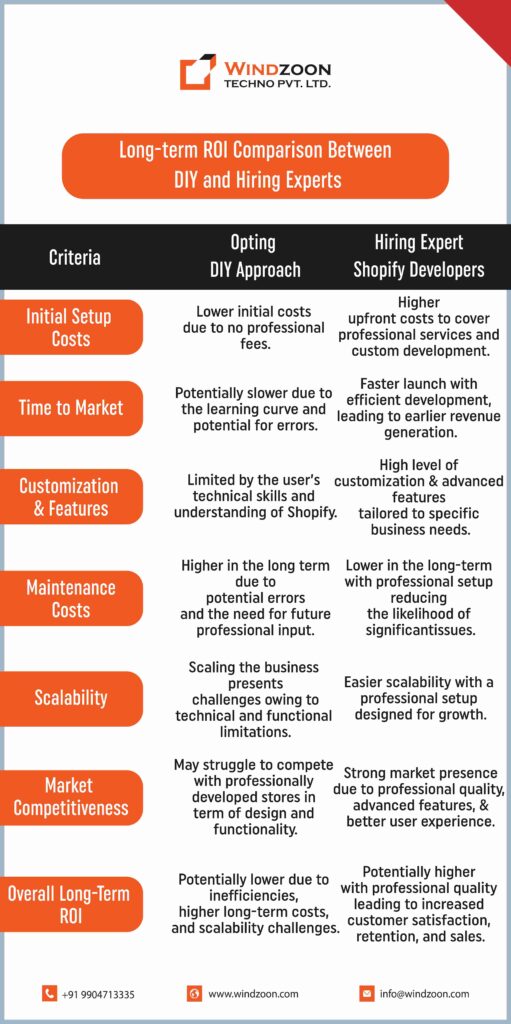
The DIY route, at first glance, appears more budget-friendly. It typically involves lower initial costs since you’re not paying for professional services. However, this option may lead to higher long-term costs due to potential inefficiencies, technical limitations, and the need for future professional intervention.
Conversely, hiring Shopify expert developers requires a higher upfront investment. This cost covers their expertise, custom development, and a strategic approach to your online store’s creation. The long-term benefits, including a professionally built store, enhanced customer experience, and better scalability, often lead to a higher ROI.
Long-term ROI Comparison Between DIY and Hiring Experts
[wpdatatable id=22 table_view=regular]
The Impact of Both the Options on Business Growth and Market Competitiveness
The choice between DIY and professional development also impacts your business’s growth trajectory and competitiveness in the market. A DIY store, while initially cost-effective, might lack the sophistication and functionality needed to stand out in a competitive digital marketplace. It could limit your ability to attract and retain customers, ultimately impacting sales and growth.
On the contrary, a store developed by Shopify experts is more likely to offer a superior customer experience. It comes with a professional design, seamless functionality, and advanced features. Additionally, this level of quality attracts customers and fosters brand loyalty, enhancing your store’s competitiveness and market position.
Here comes the last but the most vital part of this blog post.
Making the Right Choice for Your Business
Navigating the decision between hiring Shopify expert developers and adopting a DIY approach hinges on several factors unique to each business. This choice not only impacts your immediate Shopify store development but also aligns with broader market trends and evolving consumer expectations. However, to make an informed decision, let’s assess some usual business scenarios and the latest market trends. It will help you choose which solution is best for your business and market trends.
Assessing Business Scenarios
- Startups with Limited Budgets: For startups operating on tight budgets, the DIY approach might seem appealing. However, consider the long-term trajectory. If your business model relies heavily on e-commerce, investing in expert developers could provide a more robust foundation, essential for scaling up in the future.
- Businesses with a Strong Brand Vision: If you have a clear, distinct brand vision, professional developers can help bring this to life more effectively than a DIY approach. Customization and unique user experiences that resonate with your brand can be better achieved with expert assistance.
- Time Constraints and Resource Availability: Evaluate your time and resources. If your team can afford the time to learn and manage a DIY store without detracting from other business areas, it could be a viable option. However, if time is of the essence, expert developers can expedite the process, allowing you to focus on other aspects of your business.
Aligning with Market Trends and Consumer Expectations
- Evolving Market Trends: The e-commerce landscape is constantly evolving, with emerging trends like augmented reality (AR) shopping experiences, voice commerce, and AI-driven personalization. Professional Shopify developers stay abreast of these trends and can integrate them into your store, keeping you ahead of the curve.
- Rising Consumer Expectations: Today’s consumers expect seamless, engaging, and personalized online shopping experiences. A professionally developed Shopify store can offer advanced features, better performance, and a higher level of personalization compared to a DIY store, meeting and exceeding these customer expectations.
- Competitive Edge: In a market crowded with e-commerce stores, standing out is crucial. A professionally developed store not only looks and feels premium but also functions smoothly, offering the competitive edge needed in today’s market.
Go for the Best
Choosing between DIY and hiring a Shopify store developer is a strategic decision impacting your e-commerce success. DIY offers initial cost savings and a personal touch, but may lack in technical expertise and scalability. Expert developers, while costing more upfront, bring professional customization, technical proficiency, and long-term growth potential, aligning with market trends and customer expectations.
This decision shapes not just your store’s present but its future in the competitive digital landscape. Consider your business needs, resources, and vision for growth. For those seeking professional excellence, partnering with experienced developers like Windzoon Techno Pvt. Ltd. can transform your e-commerce aspirations into a thriving reality.
Contact us to obtain a quote for our Shopify Development Services and elevate your online store to new heights.